
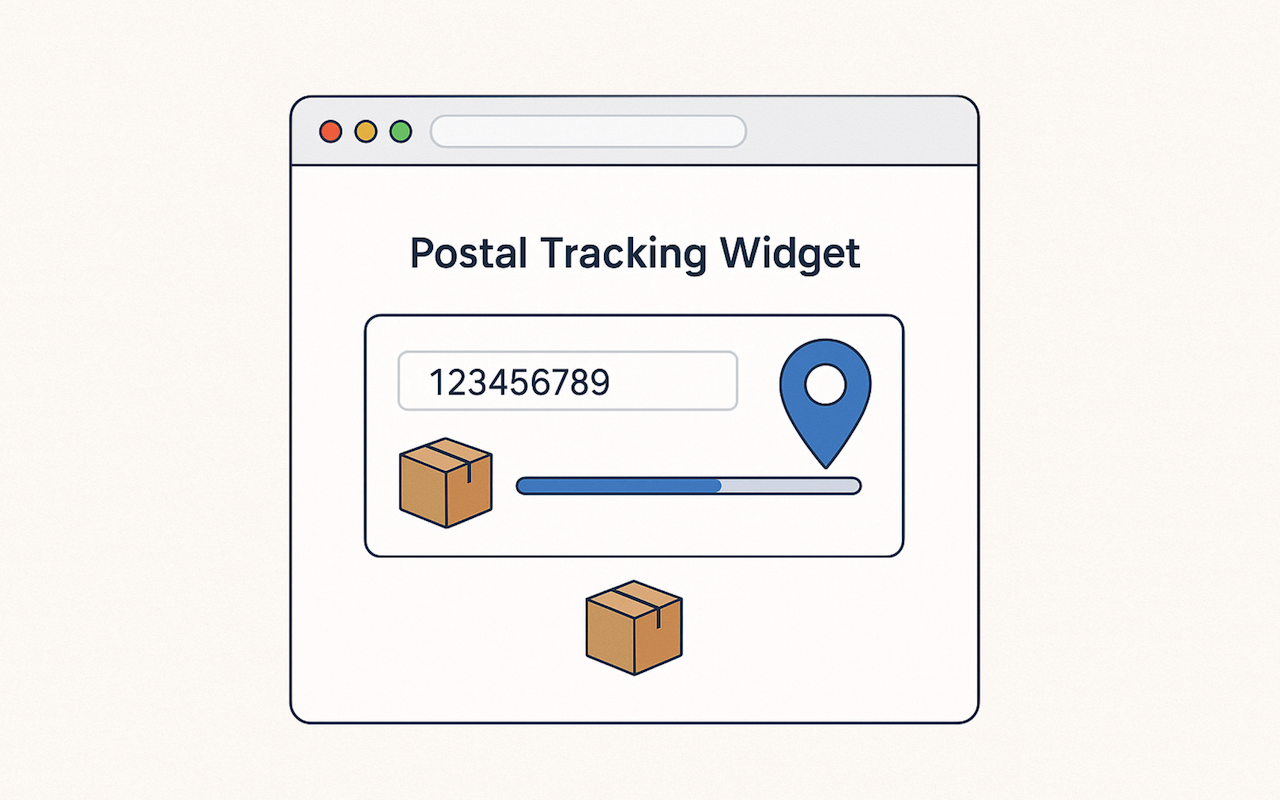
Running an online store eventually leads you to one essential upgrade — adding a tracking widget that lets customers instantly check where their parcel is at any moment. Whether you're on WordPress, Shopify, WooCommerce, or even a custom-built site, this tiny tool packs a massive boost in customer confidence.
Most ecommerce businesses don’t think about tracking early on. You start with your product pages, get your first few sales, build momentum… then suddenly the messages begin:
“Hi, any update on the parcel?”
It happens to everyone. Someone orders today, hears nothing tomorrow, and they panic a little, so they reach out. A tracking widget solves this beautifully. No long explanations. No repeated replies. Customers simply go to your website, enter their tracking number, and get real-time updates without bothering your team.
And here’s the bonus: customers feel safer when the tracking happens on your website. Not some random third-party. Not a courier site they don’t recognize. Your page becomes the home base for their delivery journey and that builds real trust.
Why A Tracking Widget Makes a Real Difference
Online shoppers check their delivery status repeatedly. It’s part of the excitement, but also part of the worry. They want to know:
- Did the courier pick it up?
- Is it in transit?
- Did it reach the sorting facility?
- Is it out for delivery?
Your support inbox often becomes the “tracking page” by accident. A tracking widget fixes that.
- Instant clarity, zero effort: Customers get updates right away — no messages, no waiting, no confusion.
- Fewer support tickets: Delivery questions are the most common inquiries in ecommerce. The widget eliminates them.
- Higher customer trust: They keep returning to your site for updates, which builds familiarity and confidence.
- Positive SEO signals: More time spent on your website = better engagement = better ranking potential.
How a Tracking Widget Works Behind the Scenes
Even though it looks simple, the widget performs a series of tasks automatically:
- Accepts the tracking number
- Fetches courier data in real time
- Organizes the details
- Displays them in a clean, readable format
You don’t need to manage the technical processes yourself. Many third-party services handle data retrieval, logic, updates, and formatting on the backend. Once the widget is installed, it typically continues functioning without additional maintenance.
It’s also fully responsive, which means it adjusts beautifully whether your customer is checking on mobile, tablet, or desktop.
Benefits You Gain When You Add a Tracking Widget
- Happier, more confident customers: They feel informed and reassured throughout the delivery process.
- A lighter support workload: Most “Where’s my order?” messages simply disappear.
- Stronger engagement on your website: Customers come back multiple times to check updates, and Google favors this behavior.
- A more polished brand experience: Websites that offer helpful tools feel more premium, more trustworthy, and more complete.
- Better SEO performance: Useful features increase dwell time, reduce bounce rate, and provide search engines with clearer value signals.
What Makes a Good Tracking Widget?
Not all tools are built equally. A reliable tracking widget should have:
- Easy installation: No coding. The snippet from Instant Parcels installs in seconds.
- Multi-courier support: Customers use different couriers, and your widget must handle them all.
- Fast loading speed: Real-time updates should appear immediately.
- Clean, readable design: Users want clarity, not clutter or overly technical details.
- Full responsiveness: Most people check tracking on mobile, so the widget must look great on any device.
How to Add a Tracking Widget to Your Website (Step-by-Step)
Most tracking widgets are simple to install, regardless of the platform you use. The general process looks like this:
- Access the Widget or Embed Page: This is where you’ll find the instructions and the ready-to-use embed code.
- Copy the Code: Tracking widgets typically provide a short HTML snippet you can use immediately.
- Open the Page Where You Want It Displayed: Popular choices include support pages, order-tracking sections, or help center pages.
- Paste the Code into Your Editor: Switch your editor to HTML or code view and paste the snippet exactly as provided.
- Save and Test: Reload your page and test it with a sample tracking number to ensure everything loads correctly.
Once installed, a tracking widget typically requires no ongoing setup and operates automatically in the background.
Where to Place the Tracking Widget for Maximum Impact
Correct placement improves user experience and helps customers find it instantly.
- Main Navigation (Recommended): A simple “Track Your Order” link in the top menu is easy for customers to spot.
- Help / Support Pages: People visiting help centers are often looking for tracking info.
- Order Confirmation Page: Customers love immediate reassurance after checkout.
- Contact Page: Great for redirecting unsure customers before they submit a ticket.
Conclusion
A tracking widget is one of the simplest upgrades that delivers instant impact. It reduces support workload, strengthens customer trust, and gives your website a more complete, professional presence.
If you want a smooth, no-maintenance way to improve your customer experience, this tool is a reliable and effective addition to your website.
 FAQs
FAQs
Yes. Most tracking widgets fetch real courier data in real time to display current delivery status.
No. Installation typically involves pasting a single HTML snippet into your site.
Most tracking widgets are lightweight and optimized to avoid affecting site performance.
Yes. Many tracking widgets support multiple carriers, which is ideal for stores using different shipping partners.
Yes. Any platform that supports HTML or custom code blocks can embed a tracking widget.
Yes. Many tracking widgets offer free installation and usage, depending on the provider.
Yes. Most tracking widgets are responsive and adjust smoothly to any screen size.
Share this post
Author

Leave a comment
All comments are moderated. Spammy and bot submitted comments are deleted. Please submit the comments that are helpful to others, and we'll approve your comments. A comment that includes outbound link will only be approved if the content is relevant to the topic, and has some value to our readers.
Comments (0)
No comment