
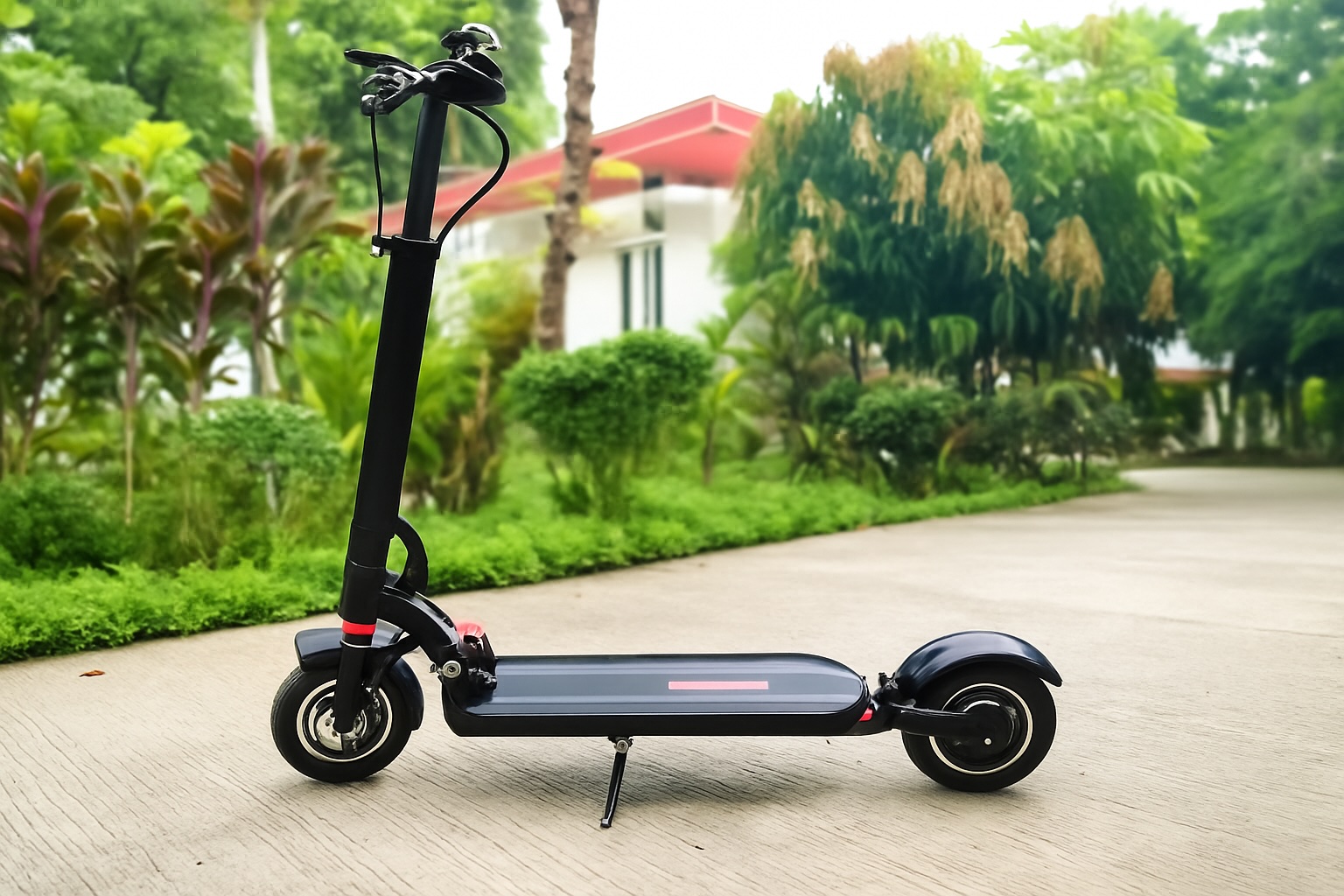
Imagine finally buying your dream e-scooter after saving for months and riding it to work or school. On the way, you stop at a coffee shop. After grabbing your drink, you return outside—only to find your scooter gone. The app won’t connect because someone hijacked your session on public Wi-Fi. In an instant, your investment, your convenience, and even your sustainable ride are lost.
The number of e-scooter users is growing rapidly. They are becoming a smarter and more connected option. In 2024, across North America, there were 157 million micromobility trips, with 133 million of them in the U.S. A recent study also found that Chicago alone recorded over 11 million rides. This data highlights how many users are being exposed to risks such as Wi-Fi snooping, Bluetooth spoofing, or insecure app behavior.
To protect against these risks, this guide brings together essential practices. Explore them to keep your e-scooter secure when connected to public networks.
What are the Potential Threats from Open Networks?
Eavesdropping and Evil Twin Hotspots
You often see the open free Wi-Fi across various places and immediately connect to it because it's free. But that's one of the most popular ways for attackers. They clone the SSIDs and name them like “Mall Free Wi-Fi," then intercept your traffic and even metadata from encrypted sessions.
Fake Portals and Session Hijacking
They send users fake splash pages that either inject malware into your system or manipulate you into entering important credentials.
Bluetooth Low Energy (BLE) Pairing Risks
The indirect yet potential threat to make scooters vulnerable is through spoofed QR codes, weak/default PINs, or long pairing windows. After much research, NIST stated that “LE Secure Connections" are the standard in order to avoid MitM attacks.
Account Takeover vs. Theft
Now, attackers don't need your scooter to hijack it; they can just take over your account and gain control. Even 24% of breaches started with stolen credentials, as stated in Verizon’s 2024 DBIR.
What are The Security Fundamentals of Both App and Transport?
Combination of TLS-Only APIs and Certificate Pinning
If we pair TLS 1.3 with SSL certificate pinning, then we can block fake certs. More than 93% of internet connections worldwide are already secured with TLS 1.3.
Least-Privilege Permissions
If an app doesn't explicitly require GPS tracking in the background, then it should not request it from the user. Only specific and direct permissions should be asked.
Secure OTA Updates
To enhance security, as per NIST SP 800-193, firmware should be signed, verified, and protected against rollback exploits.
Rate Limitation
There should be no brute-force attempts on login and pairing endpoints.
These are the security fundamentals of both app and transport. Always check for these whenever evaluating the scooter apps.
Key Points For Device-Level Protections
Modern scooters are IoT devices on wheels. Look for features like:
- App Lock/PIN and 2FA: Prevents unauthorized use if your phone is stolen.
- Device Binding: Locks scooter pairing to your account.
- Rotating BLE Keys and Limited Pairing Windows: Reduces exposure to sniffing or replay attacks.
- Motion Alerts, Tamper Alarms, and Lost-Mode: Provide early warning and recovery breadcrumbs.
Choose Your Network: LTE/eSIM vs. Tethering vs. Public Wi-Fi
| Network | Pros | Cons | Best For |
|---|---|---|---|
| LTE/eSIM | It is a dedicated channel with low exposure | It comes with a subscription cost | If you are a daily commuter, then go for this |
| Phone Tethering | Offer encryption means you have full control | It usually drains the phone | If you are taking a short urban trip, then this is best |
| Public Wi-Fi | It is free and convenient, both | The data shows it has the highest attack risk | Use it only in extreme situations, as a last resort. |
VPNs, DoH, DoT: These tools encrypt DNS queries and traffic, helping against eavesdropping. But they don’t protect against Evil Twin hotspots or BLE-layer attacks.
Precautionary Steps of Public Wi-Fi for Riders
Public Wi-Fi always seems to be the convenient option, but in reality, it is the most threatening option. Attackers always attack this entry point. To avoid this, follow these steps:
- Disable auto-join: Prevents your phone from silently connecting to rogue hotspots.
- Verify SSID names: Check spelling and capitalization; attackers often mimic real network names.
- Forget networks after use: Clears stored credentials and reduces future exposure.
- Turn on MAC randomization: This will help in masking your device, which means no passive tracking can be done on it.
- Avoid critical actions: Don’t pair devices, reset passwords, or make payments on open Wi-Fi.
- Use a VPN wisely: It won’t stop all risks, but it adds encryption against casual sniffing.
- Log out after sessions: Closing apps and logging out reduces session hijacking risk.
Correct Method of Charging in Public:
If there is an urgent need to charge in public, then prefer ports that only charge. Because this way, attackers will not be able to transfer your data or intercept it. You can follow the steps below as well:
- Using power-only cables/adapters: These block data pins, allowing only safe power transfer to avoid juice jacking.
- Inspecting ports before use: Look for loose, damaged, or suspiciously altered outlets.
- Preferring AC wall outlets over USB hubs: These are much safer and offer a low risk of tampering.
- Carrying a portable power bank: Make this your priority, as the best protection is avoiding unknown charging paths.
- Keeping ports dry and clean: Prevents short circuits and tampering.
Layering That Provides Protection Against Theft
The most common concern shown among riders is physical theft. Follow these precautionary steps to avoid this risk:
- On-device alarms: Trigger loud alerts when movement is detected.
- Motion detection: Push notifications to your phone if the scooter is touched or tilted.
- Immobilization logic: Only allows authorized riders to turn on the scooter.
- GPS recovery: Use location tracking only when needed; enable with clear consent.
- Lock integration: Combine digital controls with a physical lock for deterrence.
For riders who commute daily, models such as the ZERO 9 e-scooter with GPS tracking and app lock provide additional safeguards. Features like motion alerts and remote-lock functions can help minimize theft risks without relying solely on a mobile connection to public networks.
Precautions of the IT and Operations Department
If the IT and operations department of scooter adopts systemic protection keys, then half of the threat risks will be automatically removed. Some of the protections are listed below:
- Rotate API keys regularly: Protects against the use of stale or compromised keys.
- Audit the system frequently: Makes it easier to track admin activity and system actions.
- Apply data minimization: Focus on quality, not quantity; only collect the records that are required.
- Limit access controls: Staff accounts should follow the principle of least privilege.
- Align apps with OWASP MASVS standards: Validate TLS configs, use strong cryptographic libraries, and test for secure storage.
- Plan incident response: Effective planning supports breach containment and rider communication.
Rider Security Checklist
If you are someone who rides on a daily basis, then you need to maintain this checklist for advanced security:
- Before connection, verify the SSID.
- If you're unsure about it, then prefer LTE.
- Always enable app PIN or lock screen.
- Make sure to use power-only charging adapters.
- There is a motion alert in your app, turn that on.
- Update firmware and app on a frequent basis.
- If you paired a device, review it regularly.
- In case of not using, log out of the sessions.
Conclusion: Practicing String Network Hygiene is a Necessity
With the increasing number of rides, the stakes are also rising. In 2024, 225 million micromobility trips were recorded in North America, a 31% increase from previous years. Of this, scooters accounted for $85 million. As rides multiply, so do the risks. Each trip presents an opportunity for eavesdropping, spoofing, or unauthorized control if left unprotected.
However, you can take action now. With the help of this guide, you can protect your scooter from potential risks. It can also assist you in choosing a scooter with built-in protection features. After all, safety is not a second option but a priority.
- Before starting your ride, always do a quick security checklist.
- Make sure to enable app PINs, verify SSIDs, or, wherever possible, use LTE or VPN.
- Choose security-first e-scooters when you can.
- Learn how attackers use these risks in this Wi-Fi security guide.
- Spread awareness and share this guide with your network. This will help your friends and community ride safely.
A safe scooter is more valuable and important than a flashy but risky one. Riding is not just about the journey; it’s about confidence and peace of mind with every trip.
 FAQs
FAQs
No. You need enhanced protection while using public Wi-Fi. VPNs add encryption but won’t prevent Evil Twin hotspots or Bluetooth-layer attacks.
Go to the cloud portal, reset your password, and turn on lost-mode or immobilization features if available. This will stop your scooter app sessions.
No, as long as it is used responsibly. Choose scooters that indicate when tracking is active, and enable it only when necessary (e.g., theft recovery).
Featured Image by Freepik.
Share this post
Author

Read the latest articles from Tahseen Ameer
New Era of Mapping Urban Traffic Using E-Scooters: Develop Smart Cities and Micromobility

August 27, 2025
Imagine you’re cruising on the road, and you hold the power to transform the future of the city's traffic flow! Absolutely yes, now this is truly feasible with the use of personal mobility like e-scooters. The more people on the road, the more usage of these enables the planners to fetch accurate data t [...]
Learn moreLeave a comment
All comments are moderated. Spammy and bot submitted comments are deleted. Please submit the comments that are helpful to others, and we'll approve your comments. A comment that includes outbound link will only be approved if the content is relevant to the topic, and has some value to our readers.
Comments (0)
No comment