
Think your accounts are secure because you use two-factor authentication? It’s time to reconsider. Millions rely on SMS messages to receive one-time passcodes (OTPs) for logging into email, banking, and social media accounts. It may seem convenient, but is it secure?
The reality is that SMS-based authentication has serious vulnerabilities. Hackers can intercept texts, hijack phone numbers, and access accounts without you even realizing it. That’s why even tech giants like Google are moving away from it. So, what’s the safer alternative? In this article, we’ll explore the risks of SMS authentication and better ways to keep your data protected.
The Security Risks of SMS Authentication
SMS-based verification comes with serious security risks. Here’s how attackers can exploit them:
Phishing Scams
Hackers don’t need to break into your phone to steal your authentication codes—they can simply trick you into handing them over. Phishing scams often involve fake messages that appear to be from your bank, email provider, or a trusted service. These messages contain links to fraudulent websites that ask you to enter your one-time passcode (OTP). Since SMS lacks encryption, intercepted messages become easy targets, making phishing one of the simplest yet most effective attacks.
SIM Swapping
With a few convincing words, attackers can deceive mobile carriers into transferring your phone number to a new SIM card under their control. Once they have your number, they start receiving all your calls and messages, including authentication codes. This method gives hackers full access to your accounts, locking you out completely. What’s worse, many victims don’t realize what’s happening until they lose service on their phone and find their accounts compromised.
SS7 Vulnerabilities
The outdated Signaling System No. 7 (SS7) protocol, which mobile networks rely on for routing calls and messages, has critical security flaws. Attackers who exploit SS7 can intercept SMS codes remotely, bypassing security measures without needing access to your phone. Governments and sophisticated cybercriminals have used SS7 vulnerabilities for years to spy on targets, but even less-skilled attackers can leverage these flaws to hijack accounts.
Social Engineering
Not all cyberattacks rely on hacking technical systems—some rely on manipulating people. Social engineering tactics involve tricking customer service representatives into revealing sensitive information or resetting accounts. Attackers may impersonate you, claiming they’ve lost access to their phone and need to update their number. If successful, they gain control over your two-factor authentication (2FA) process without ever touching your device.
Man-in-the-Middle Attacks
Some attackers set up fake cell towers, known as Stingrays, to intercept SMS messages before they even reach your phone. By exploiting weaknesses in mobile networks, they can eavesdrop on your verification codes in real-time. This kind of attack is known as Man-in-the-Middle attack and is difficult to detect, making it an invisible threat to SMS-based authentication.
Malware Threats
Hackers don’t always need direct access to your messages—they can infect your device with malware that silently forwards your SMS codes to them. Some malicious apps run in the background, capturing authentication messages the moment they arrive. If you’ve installed a suspicious app or clicked on a shady link, your device might already be compromised.
Carrier Data Breaches
Even if you take all the right precautions, your mobile carrier might still be a weak link. If a mobile provider suffers a data breach, attackers can gain access to customer data—including phone numbers and account details. This makes SIM swapping and authentication code theft even easier for cybercriminals.
Delivery Failures
Even without direct attacks, SMS authentication can fail due to technical issues. Network outages, international restrictions, or delayed message deliveries can prevent you from receiving your authentication codes when you need them most. If you can’t receive your OTP in time, you might be locked out of your accounts with no way to regain access.
How to Minimize SMS Authentication Risks
Despite its weaknesses, SMS-based 2FA can still offer some protection when used with caution. Here’s how you can make it safer:
- Use a secondary phone number. Avoid linking your main number to critical accounts.
- Consider a disposable or temporary phone number. This prevents long-term exposure to threats.
- Monitor login activity regularly. Any suspicious behavior should be reported immediately.
Stronger Alternatives to SMS-Based 2FA
SMS codes are easy targets for hackers. Switching to more secure methods can protect your accounts from fraud and unauthorized access:
| Authentication Method | Description | Examples |
|---|---|---|
| Security Keys | Physical keys that block phishing and SIM-swapping. Require direct interaction, making remote attacks nearly impossible. | YubiKey, Google Titan |
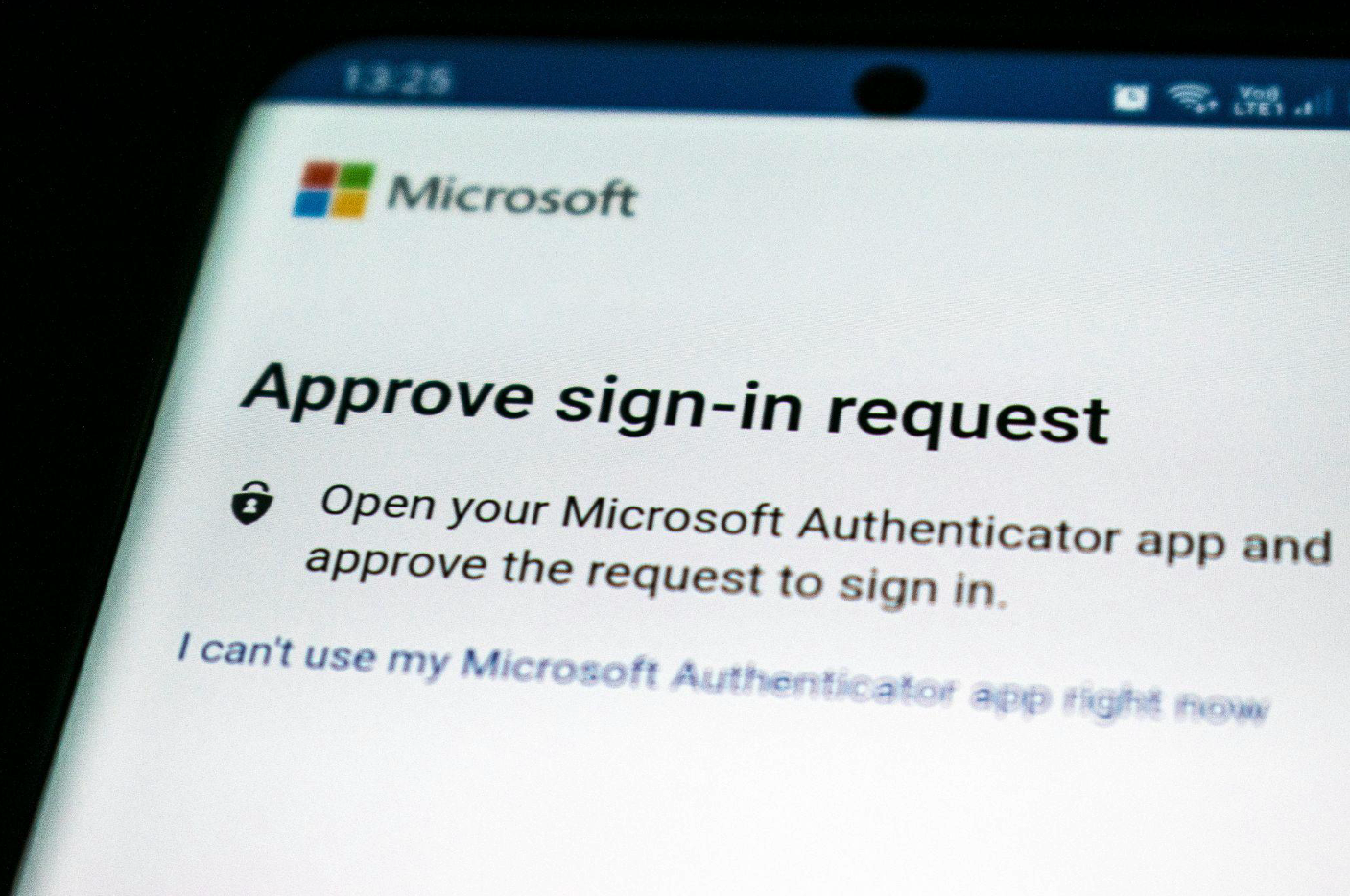
| Authenticator Apps | Generate time-based login codes that refresh constantly. Do not rely on mobile networks, removing SMS-related risks. | Google Authenticator, Authy, Microsoft Authenticator |
| Biometric Login | Uses fingerprints, face scans, or voice recognition for authentication. Cannot be stolen through phishing. | Apple Face ID, Windows Hello, Samsung Pass |
| Typing Patterns | Verifies identity based on keystroke dynamics, turning typing habits into a security measure. | TypingDNA, BehavioSec |
| Push Notifications | Instead of entering a code, users approve logins through a secure app. Suspicious login attempts can be denied instantly. | Duo Security, Okta Verify |
| Network-Based Access | Restricts logins to trusted devices, locations, or IP addresses, blocking unauthorized attempts. | Cisco AnyConnect, Cloudflare Zero Trust |
Final Thoughts
If you still rely on SMS authentication, your accounts could be an easy target for hackers. SIM swapping, phishing, and message interception make it one of the weakest security measures today. Don’t wait for a breach—take control now. Switch to a stronger 2FA method, like an authenticator app, a hardware key, or biometric verification. Outdated security puts your data at risk, so upgrade before it’s too late.
Share this post
Leave a comment
All comments are moderated. Spammy and bot submitted comments are deleted. Please submit the comments that are helpful to others, and we'll approve your comments. A comment that includes outbound link will only be approved if the content is relevant to the topic, and has some value to our readers.
Comments (0)
No comment