

Have you ever experienced a situation where your site is slow to crawl on a regular traffic day? That could be a silent warning of a DDoS attack on your website. While most teams have strong firewalls and server logs to protect their backend, there is no way to discover the front-end issues.
These disruptions can frustrate your users and cost you trust plus revenue. In these scenarios, investing in front-end monitoring tools can save your day. These tools can track the user experience, and identify threats to your app in the early stages. From tracking the traffic spikes to determining session anomalies, you will gain crucial insights into your user interface.
There are several front-end monitoring tools like PostHog and LogRocket, which help you enhance the UX and improve your defense strategy. Before deciding which tool to use, be sure to review a detailed comparison of PostHog and LogRocket to figure out the one that is best for your project.
In this article, we will talk about how front-end monitoring tools can help prevent DDoS attacks.
Breaking Down the Growing DDoS Threat
Imagine your website gets knocked offline. After some analysis, you realize it crashed because thousands of fake users attacked the website all of a sudden. This isn’t a one-off hit anymore; in fact, these attacks are more common than ever.
With the increasing frequency and complexity of DDoS attacks, your website stands at a serious risk. These sneaky attacks can not only cost you your customer’s trust but revenue returns as well. As cybercriminals get smarter, these attacks are emerging into multi-layered threats that target your server and application layer.
You need to understand these attacks to fortify your website for effective defense against them. Here are some key things to know about these attacks.
- They can last from minutes to days
- They mimic normal traffic, which makes it difficult to detect them
- Most of these attacks are on the application layer
- These criminals can target even small websites.
Top Ways Front-End Monitoring Tools Detect and Mitigate DDoS Attacks
With front-end monitoring tools, you track more than user behavior. It gives you an early warning of unusual patterns, which you can neutralize before they escalate into DDoS attacks.
Real-Time Traffic Analysis
What if you could detect a DDoS attack in the formation stage before it takes down your site? With real-time traffic analysis available through the front-end tools, you can make this happen.
These tools actively scan the current sessions to note abnormal spikes in traffic or repeated requests from the same IP. If bot-like patterns are observed, it might be an early indication of your site being under threat.
These tools give you complete visibility into the experience layer, thus ensuring you have the necessary warning signs. This will help you block the malicious sources and throttle the suspicious traffic while keeping your app’s performance intact.
GEO/IP Blocking
The traffic on your website may or may not be good traffic. This is more true if you find traffic from unexpected regions on your website. With front-end monitoring tools, you can identify incoming requests in real-time.
In case there is a sudden spike in traffic from countries where you don’t serve, it could be a sign of a possible DDoS attack on the website. You can analyze the IP addresses and geolocation data and immediately block or throttle the traffic from these high-traffic areas immediately.
GEO/IP blocking is your fastest defense strategy while helping you reduce the server load and filter out malicious traffic.
Rate Limiting
When preventing DDoS attacks, you must slow down bad traffic without impacting your real users. Front-end monitoring tools come with rate-limiting features that can help you achieve it. You can determine when users or bots make too many requests in a short time.
You must set the thresholds to limit the number of times a specific IP or session can hit the site. This helps prevent your infrastructure from coming under attack from aggressive or suspicious activity.
With this feature, you can keep the site stable while ensuring a smooth experience for the users.
Automated Alerts & Response Protocols
With automated alerts, you’ll never be the last one to know about a potential DDoS attack. It can detect abnormal patterns like traffic surges and geographic anomalies.
As soon as these issues are detected, you will receive real-time alerts and can immediately initiate the predefined responses. These include blocking the IP or scaling the resources. With these rapid responses, you can minimize downtime while neutralizing the threats.
Top Front-End Monitoring Tools to Consider
When choosing front-end monitoring tools, you must look for ways in which they can optimize the performance while mitigating the DDoS attacks. Here are some tools that will give you complete visibility into user sessions and traffic patterns, which are crucial insights that help stay ahead of potential threats.
LogRocket
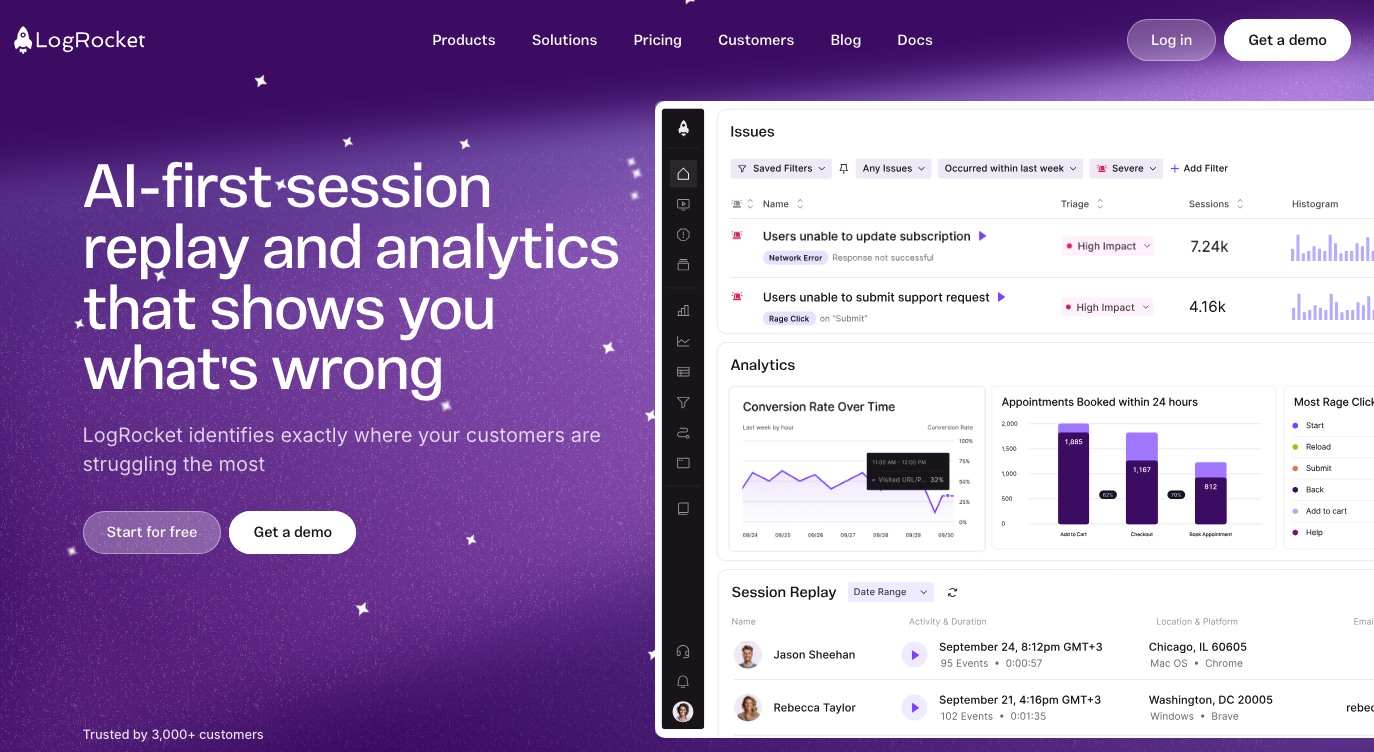
This tool provides you with full session replays, network request tracking, and console logging that helps track unusual behavior. This makes you completely aware of the DDoS attacks and helps you realize if you are interacting with bots or users.
- Get session replay to visualize the interactions
- Track network activity with JavaScript errors
- Complete insight into performance metrics with alerting capabilities
PostHog
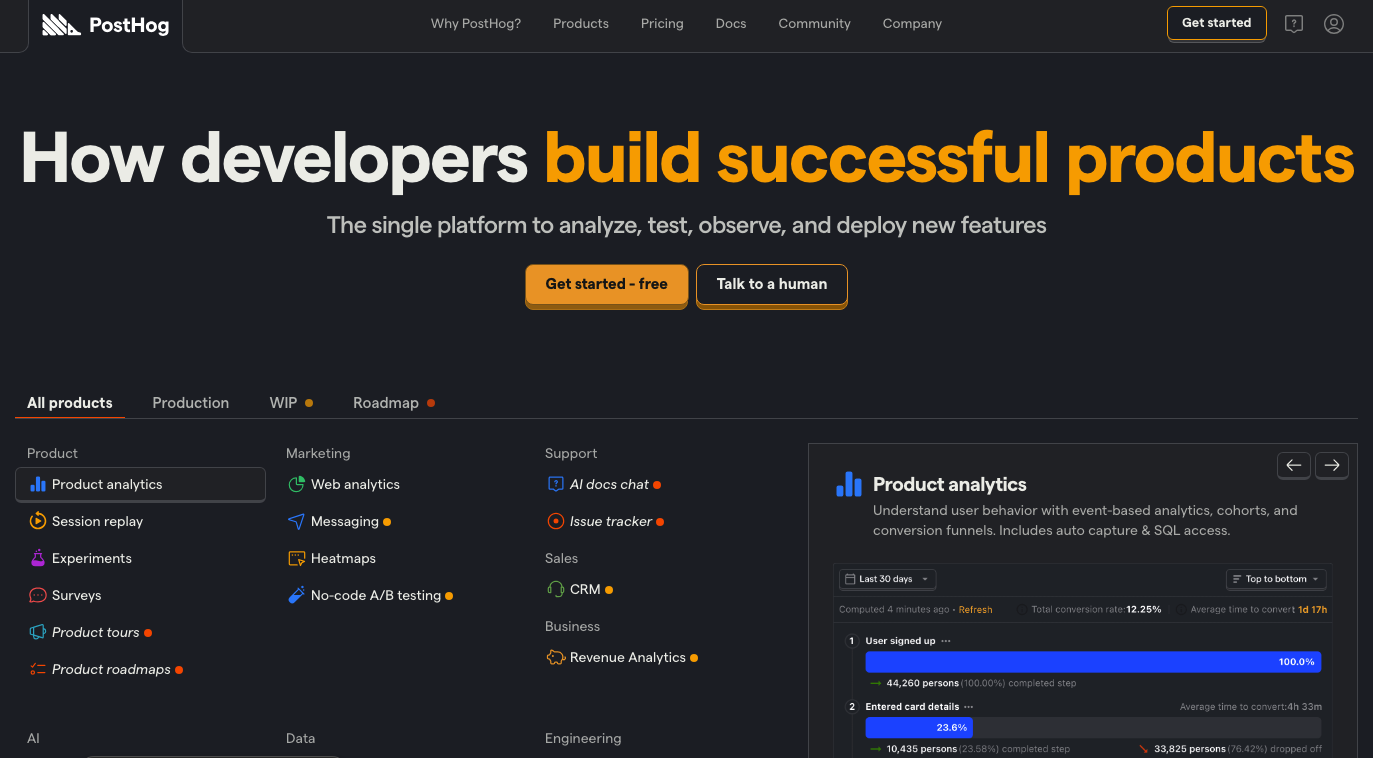
This is an open-source tool that can help with customization solutions. It is ideal for teams where apps are self-hosted and require complete control. You will receive features like event tracking, session analysis, and anomaly detection for DDoS monitoring.
- Get self-hosted and cloud-hosting options
- Event-based analytics using custom triggers
- Heatmaps and session recordings are available
Datadog RUM (Real User Monitoring)
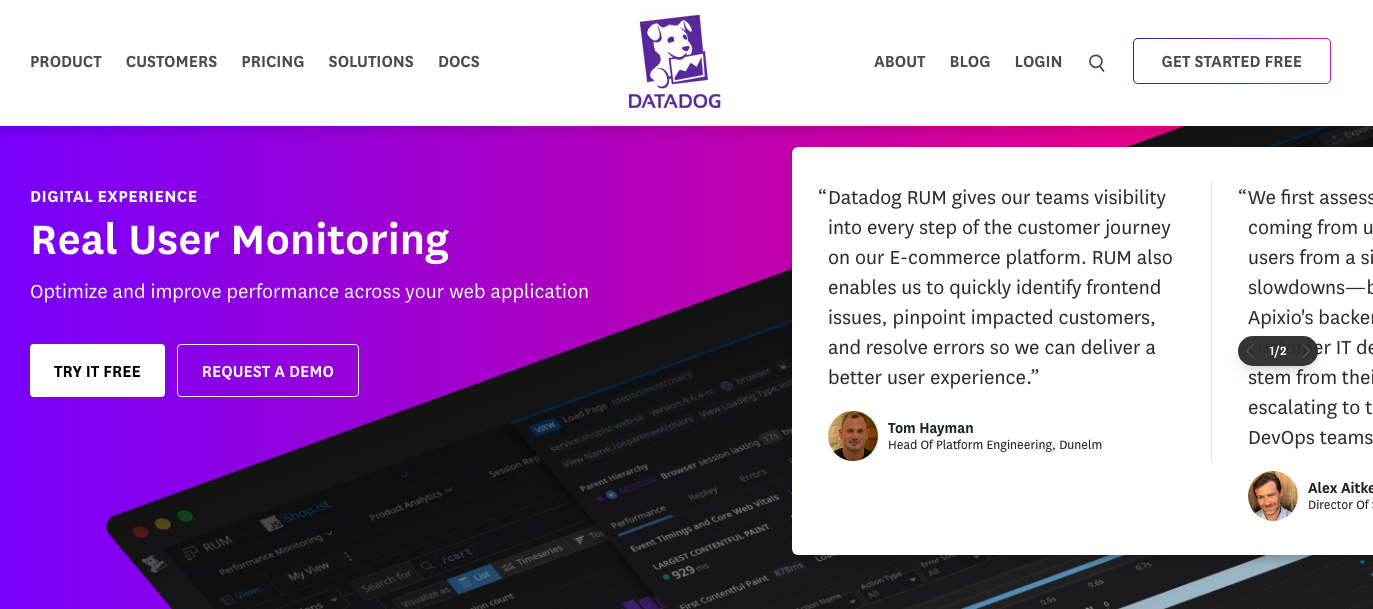
This tool integrates with backend monitoring to provide a complete picture of your front-end and server-side performance. You will find this tool to be very effective when capturing issues like DDoS attacks.
- Offers complete visibility into front-end and back-end
- Get a custom dashboard with real-time alerts
- Track the load time with a detailed log of errors and traffic anomalies.
Sentry
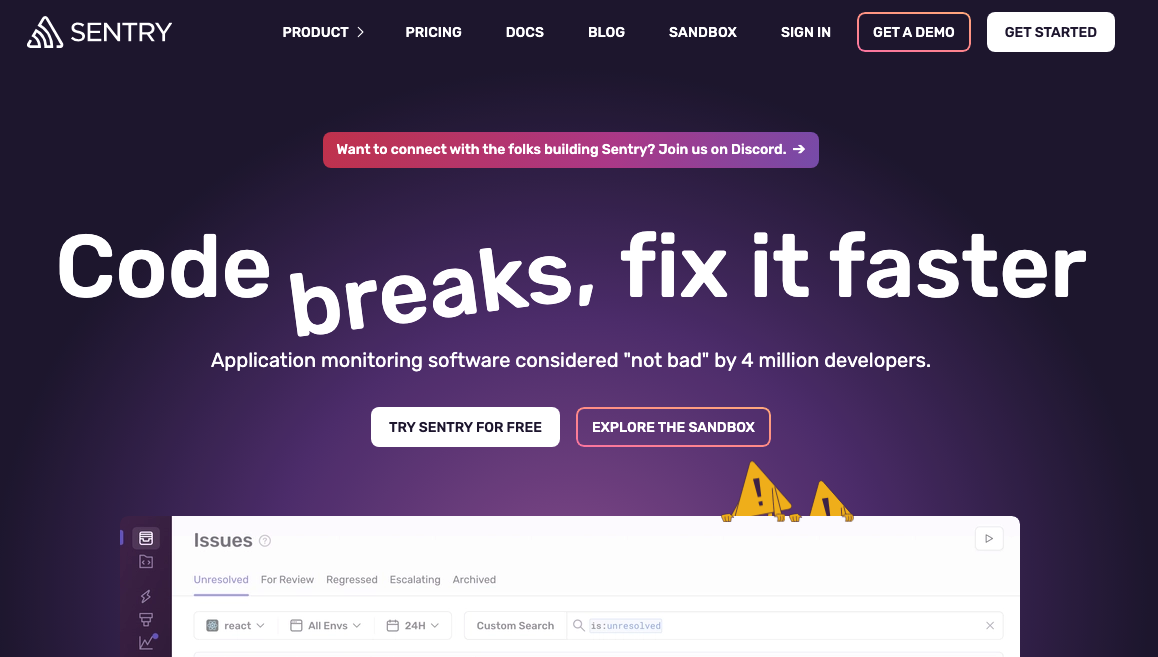
It is used for error tracking with detailed performance monitoring features and insights into bottlenecks. This tool helps with slowdowns caused due to code issues.
- Complete performance monitoring with error logs in a single place
- Get the causes of slow front-end
- Custom alerts available for performance issues
Utilize Front-End Monitoring Tools for Optimum Protection Against DDoS Attacks
DDoS attacks don’t begin with a crash; they begin with patterns. Spotting these patterns early can give you warning signs of a possible attack.
Front-end monitoring tools can help you identify these warning signs early before they cause any substantial damage. From offering you real-time traffic analysis to offering GEO/IP blocking, they ensure these threats don’t spiral out of control.
There are several tools, like PostHog and LogRocket, that you can use to create a proactive defense for your front-end. It is crucial to know the pros and cons of each tool before proceeding with them. If you are ready to level up your defense, choosing the right front-end monitoring tool can prevent the next big attack.
Featured Image by Freepik.
Share this post
Leave a comment
All comments are moderated. Spammy and bot submitted comments are deleted. Please submit the comments that are helpful to others, and we'll approve your comments. A comment that includes outbound link will only be approved if the content is relevant to the topic, and has some value to our readers.
Comments (0)
No comment